
Change Fossil Watch Batteries: A Step-by-Step Guide
Fossil watches are known for their timeless style and reliable performance. However, like any other electronic device, their batteries will eventually need to be replaced. If you’re wondering how to change the battery in your Fossil watch, this comprehensive guide will walk you through the process step by step, ensuring you can get back to enjoying your timepiece in no time.

Table of Contents
Materials You’ll Need to Change Fossil Watch Batteries:
- New battery (CR2016 or CR2025)
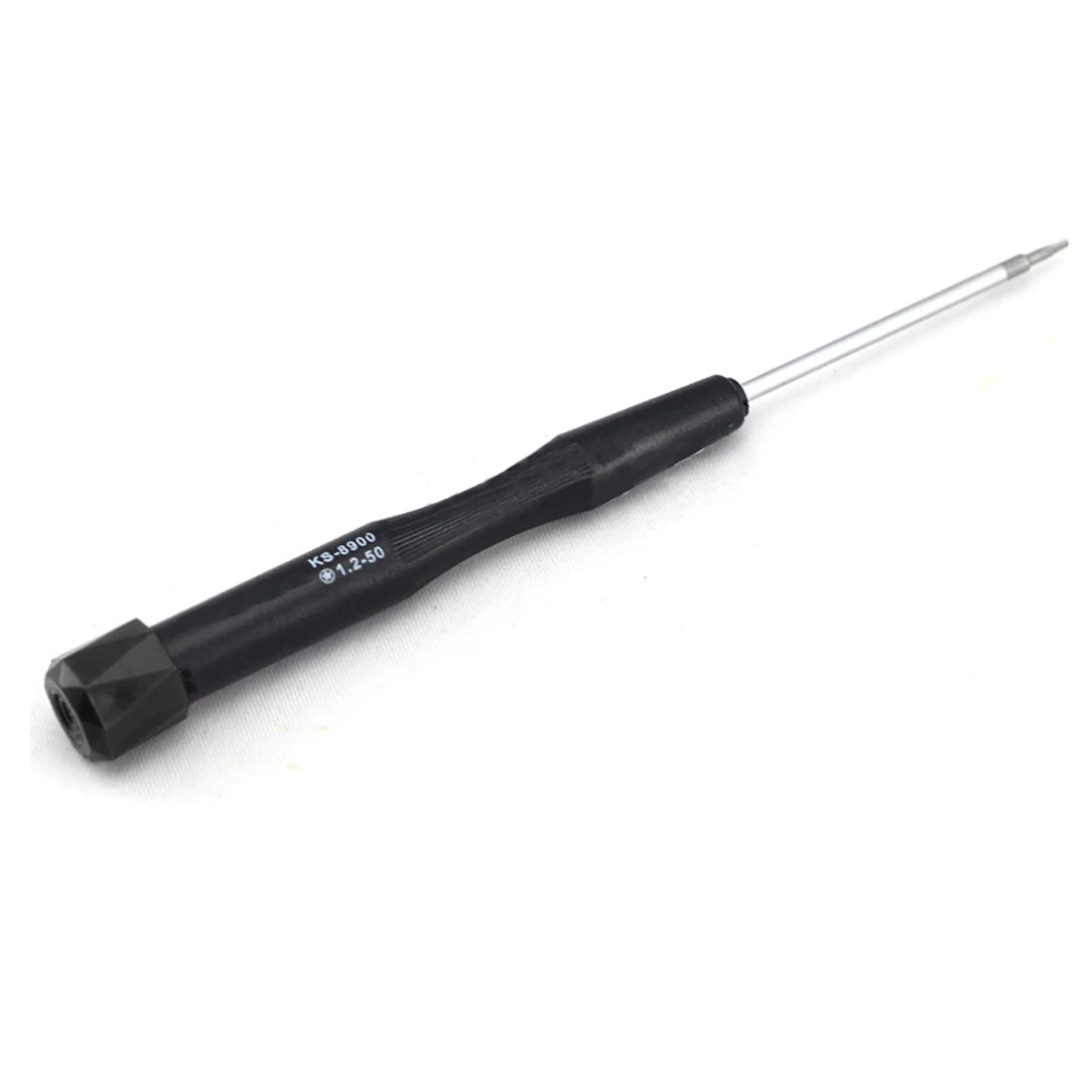
- Small Phillips head screwdriver
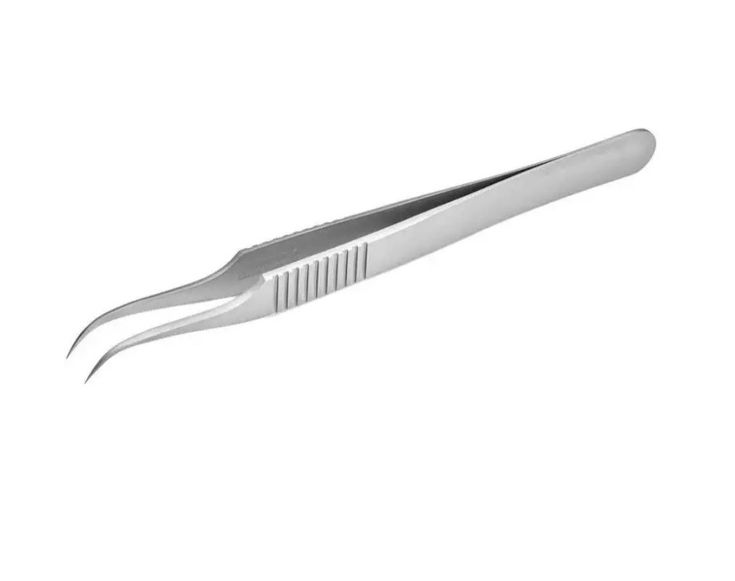
- Tweezers or small pliers
Step-by-Step Instructions:
Fossil watches generally use small, coin-style batteries. Replacing the battery yourself can be a quick and easy process, but it’s important to be careful to avoid damaging the watch. Here’s a step-by-step guide:
Before you begin:
- Gather your tools: You’ll need a small, flat-head screwdriver (the size may vary depending on your watch model) and a replacement battery of the correct type (check your watch manual or the battery compartment for the specific battery type).
- Find a clean, well-lit workspace: This will help you see the small parts involved and avoid losing anything.
- Optional: Take a picture of the watch back before opening it. This can be helpful for referencing how everything was positioned when you reassemble the watch.
Steps:
- Identify the back cover: Most Fossil watches have a screw-down back cover. Locate the small screws around the perimeter of the back cover.
- Unscrew the back cover: Using your screwdriver, carefully unscrew each screw a little at a time, in a crisscross pattern to avoid putting stress on the back.
- Open the back cover: Once all the screws are loose, gently pry open the back cover. Be careful not to damage the gasket around the edge of the cover.
- Locate the battery: Inside the watch, you’ll see the old battery. It will likely be held down by a small clip or bracket.
- Remove the old battery: Carefully remove the clip or bracket holding the battery in place. You might need to use your fingernail or tweezers to gently pry it up. Then, remove the old battery.
- Inspect the compartment: Take a moment to check the battery compartment for any signs of corrosion or debris. If you see any, you can gently clean it with a cotton swab dipped in rubbing alcohol. Let it dry completely before proceeding.
- Insert the new battery: Make sure the positive (+) and negative (-) sides of the new battery match the markings in the battery compartment. Never force the battery in.
- Secure the battery: Put the clip or bracket back in place to secure the new battery.
- Close the back cover: Carefully press the back cover back onto the watch, ensuring the gasket sits properly.
- Tighten the screws: Using your screwdriver, tighten the screws back in a crisscross pattern. Don’t overtighten them.
Congratulations! You’ve successfully replaced the battery in your Fossil watch.
Tips:
- If your Fossil watch has a snap-on back cover, you might not need a screwdriver. You can usually pry the cover open with your fingernail or a thin tool.
- It’s a good idea to dispose of the old battery responsibly. Many electronic stores and recycling centers accept used watch batteries.
- If you’re not comfortable changing the battery yourself, you can always take your watch to a jeweler or watch repair shop.
- Use a high-quality battery to ensure it lasts for at least one year.
- Replace the battery as soon as possible when it starts to run low to avoid damaging the watch.
Conclusion:
By following these simple steps, you can easily change the battery in your Fossil watch and keep it ticking along for years to come. We have also prepared a detailed step-by-step guide on how to Change the Date on your Fossil Watch

My name is Oje and I’m obsessed with finding the latest tech gear to help people track progress and solve problems more efficiently. I spend countless hours researching and testing innovative apps, wearables, and devices for fitness, health, productivity, and more.