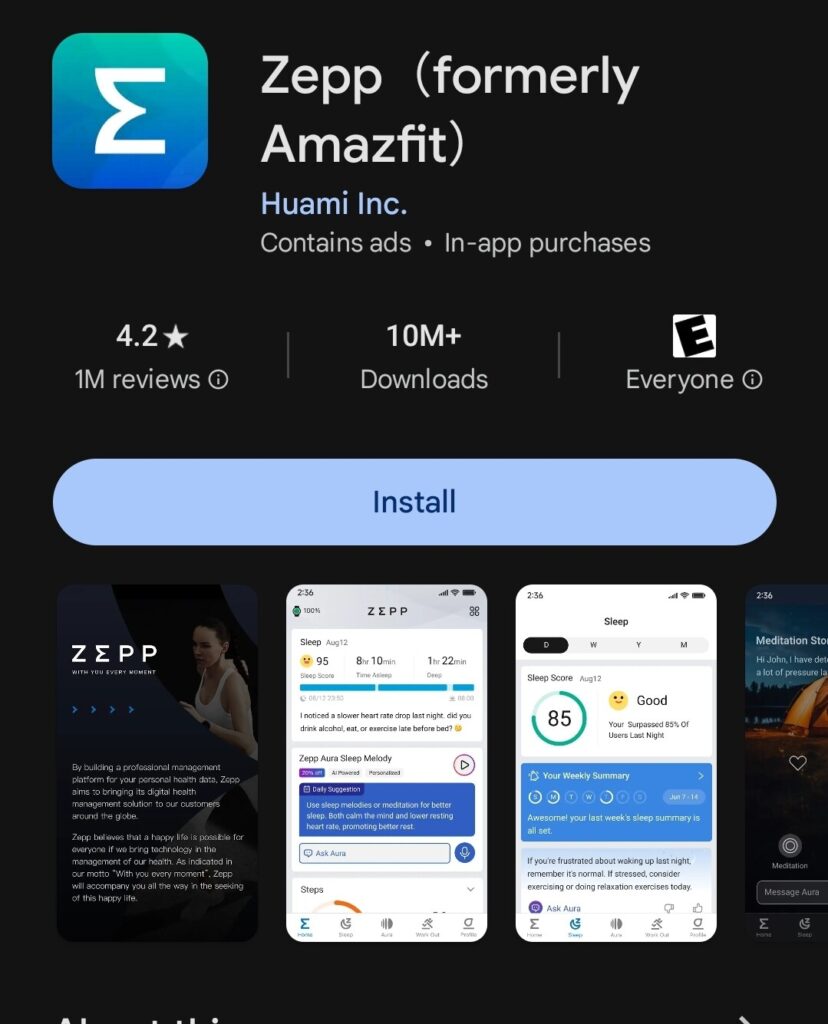
The Zepp app is a powerful companion application designed to enhance your experience with the Amazfit smartwatches. To get the most out of your device, it is best for you to connect your Amazfit watch to Zepp.
The Zepp app offers a comprehensive suite of features and functionalities that will take your smartwatch to new heights, which is why it is a very popular watch with many fitness enthusiasts, cyclists, and outdoor adventurers who appreciate cutting-edge technology.
In this blog post, we’ll explore how the Zepp app can elevate your Amazfit watch experience and guide you through the process of connecting your watch to the app.
Table of Contents
Why You Should Connect Your Amazfit Watch to Zepp
There are many benefits to connecting your Amazfit watch to your phone through the Zepp. The following are a few reasons to:
Seamless Activity Tracking
The Zepp app excels at tracking a wide range of activities, from running and cycling to swimming and hiking. By connecting your Amazfit watch to the app, you can easily monitor your progress, analyze your performance metrics, and set personalized fitness goals. The app’s intuitive interface and advanced algorithms provide you with detailed insights into your workouts, helping you to optimize your training routines and achieve your fitness objectives more effectively.
Customizable Watch Faces
One of the standout features of the Zepp app is its vast collection of customizable watch faces. With a few taps, you can personalize the appearance of your Amazfit watch to suit your style and preferences. From classic analog designs to modern digital layouts, the app offers a wide variety of options to choose from. Additionally, you can even create your unique watch faces by uploading your favorite images or designs.
Smart Notifications
Stay connected with the Zepp app by enabling smart notifications on your Amazfit watch. The app allows you to seamlessly receive alerts for incoming calls, text messages, social media updates, and more, directly on your wrist. This convenient feature ensures that you never miss an important notification, while also enabling you to quickly triage and respond to time-sensitive messages without having to reach for your smartphone.
Health and Wellness Tracking
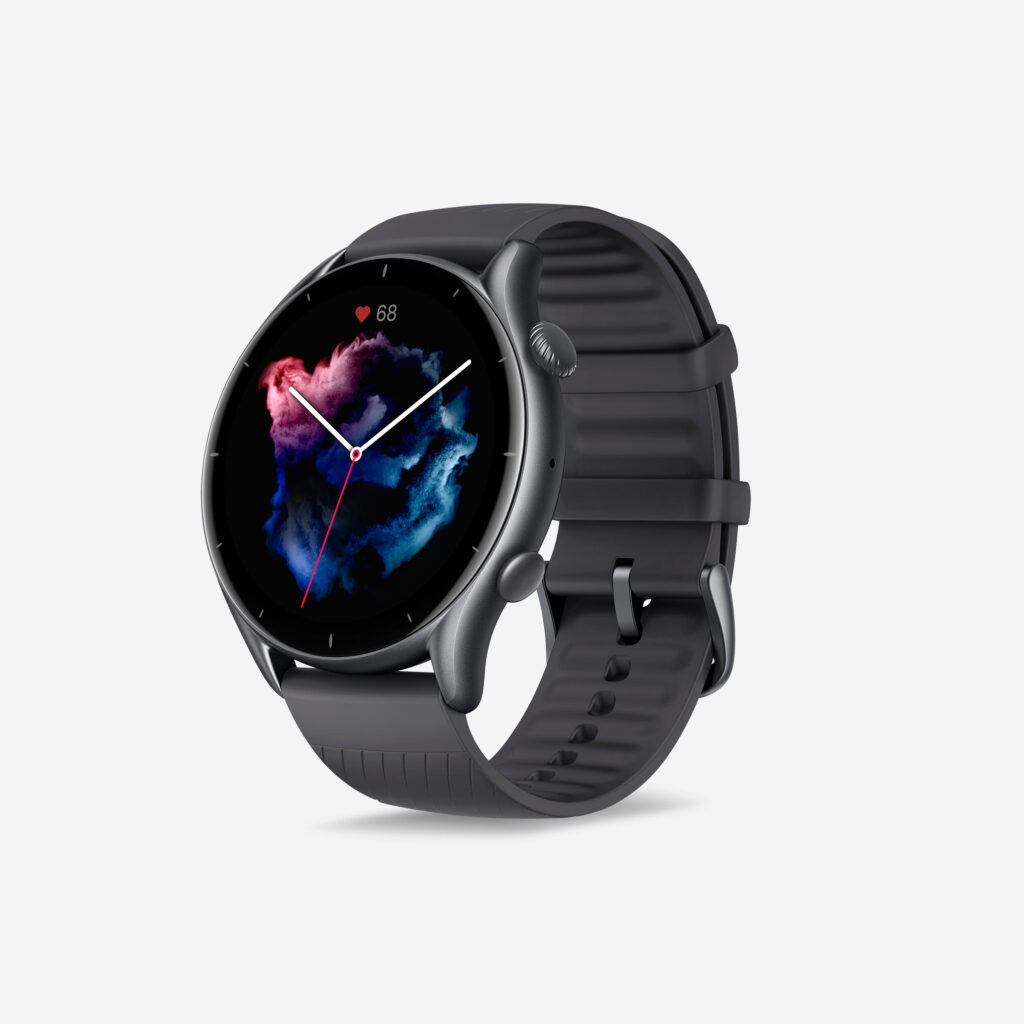
The Zepp app goes beyond fitness tracking by providing comprehensive health and wellness monitoring capabilities. By connecting your Amazfit watch, you can track your sleep patterns, monitor your heart rate, and even measure your stress levels throughout the day. This valuable data can help you make informed decisions about your lifestyle and implement positive changes to improve your overall well-being.
Software Updates and Support
Keeping your Amazfit watch up-to-date with the latest software and firmware updates is crucial for ensuring optimal performance and security. The Zepp app simplifies this process by automatically notifying you when new updates are available and guiding you through the installation process. Additionally, the app serves as a centralized hub for support and troubleshooting, providing access to user guides, FAQs, and dedicated customer support channels.
Linking Your Amazfit Watch to the Zepp App
To unlock the full potential of your Amazfit watch and take advantage of these powerful features, you’ll need to connect your watch to the Zepp app. Follow the step-by-step instructions provided in our dedicated blog post [link to “How to Connect Amazfit Watch to Zepp App” blog post] to establish a seamless connection between your devices.
Conclusion
Whether you’re a seasoned smartwatch user or a newcomer to the world of wearable technology, the Zepp app is a must-have companion for your Amazfit watch. By leveraging its advanced capabilities, you’ll not only enhance your fitness journey but also enjoy a more connected and convenient lifestyle. Explore the Zepp app today and unlock a world of possibilities for your Amazfit watch!
Disclaimer: This guide is for educational purposes only. Always ensure you handle your devices with care and follow the manufacturer’s guidelines. If you’re unsure about the specifics of your watch band, consider seeking help or advice from a professional.
Stay connected effortlessly with our guide on how to get notifications on an Amazfit watch. This comprehensive guide will walk you through the setup process, ensuring that you receive notifications for calls, messages, and apps directly on your Amazfit watch.

My name is Oje and I’m obsessed with finding the latest tech gear to help people track progress and solve problems more efficiently. I spend countless hours researching and testing innovative apps, wearables, and devices for fitness, health, productivity, and more.