
The Amazfit GTS is a sleek and feature-packed smartwatch that offers a range of useful functionalities. One of the most basic yet essential tasks you may need to perform is changing the time displayed on your watch. Imagine you’ve traveled to a different time zone or simply want to adjust the time for daylight saving, this blog post will guide you through the process step-by-step.
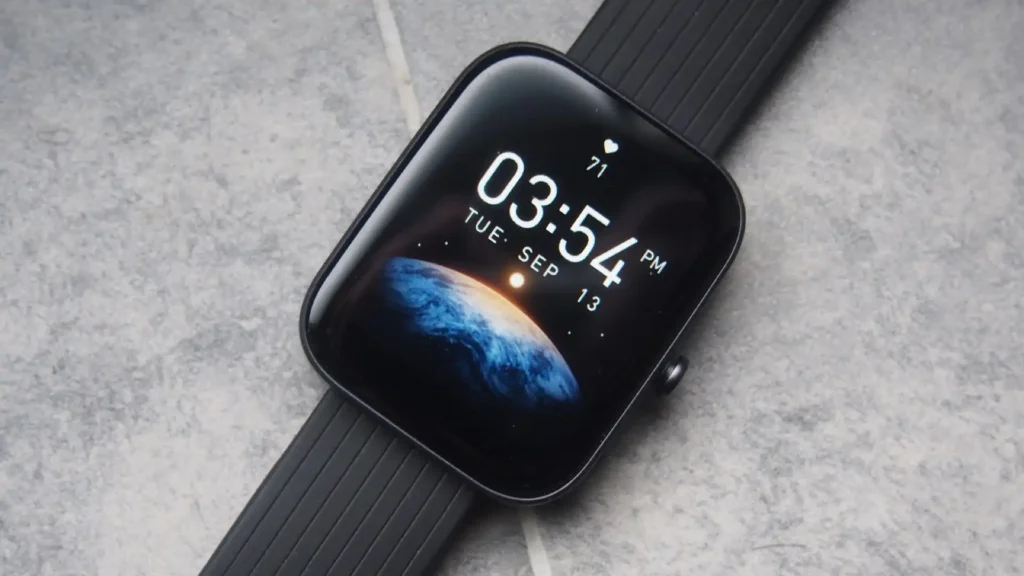
Table of Contents
Method 1:
Change Time Automatically (Recommended) The easiest way to change time on your Amazfit GTS watch is to allow it to sync automatically with your connected smartphone. Here’s how:
- Make sure your Amazfit GTS watch is connected to your smartphone via the Amazfit app.
- On your smartphone, go to Settings and ensure that the “Automatic Date & Time” option is enabled.
- Your Amazfit GTS watch will automatically sync with the time set on your smartphone.
Method 2:
Change Time Manually If you prefer to set the time manually or if the automatic sync is not working correctly, you can follow these steps:
- On your Amazfit GTS watch, swipe down from the top of the screen to access the Quick Settings menu.
- Tap on the gear icon to open the Settings menu.
- Scroll down and select “Watch Face & Time.”
- Choose the “Time” option.
- You’ll see options to adjust the hour and minute. Use the plus and minus icons to set the desired time.
- Once you’ve set the correct time, tap the checkmark icon to save the changes.
Additional Tips:
- If you’re changing the time due to traveling to a different time zone, make sure to update the time zone setting on your smartphone first. The Amazfit GTS watch will then sync with the updated time zone.
- When changing the time manually, you may also need to adjust the date if it’s incorrect.
- Some watch faces on the Amazfit GTS may have a built-in time adjustment feature. Check the specific watch face’s settings for this option.
- If you’re experiencing issues with the time not updating correctly, try restarting both your watch and your connected smartphone.
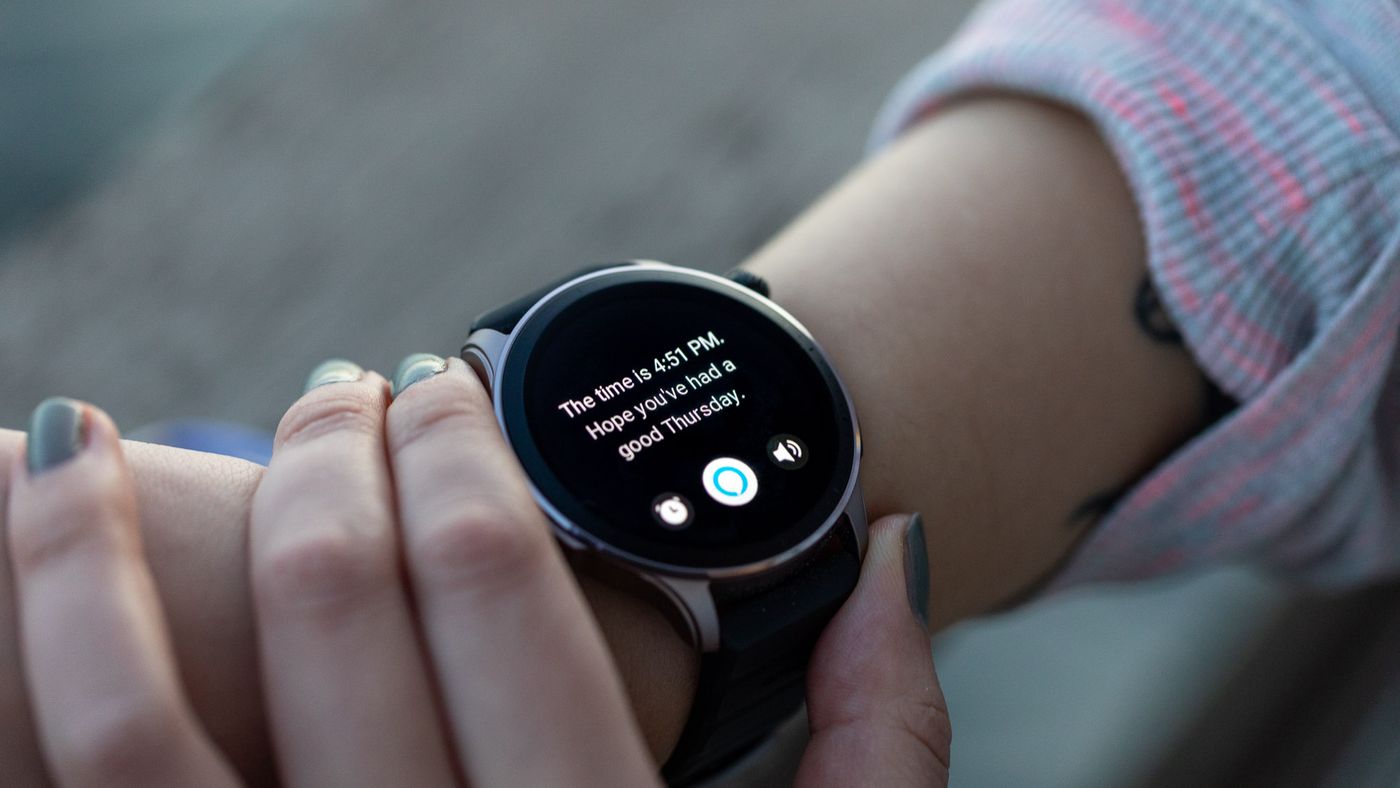
Keeping the time accurate on your Amazfit GTS watch is crucial for ensuring that you receive notifications, schedule events, and track your activities correctly. By following the steps outlined in this blog post, you’ll be able to easily change the time on your watch and keep it synchronized with your preferred time zone.
Remember, the automatic sync method is generally the most convenient and recommended approach, as it ensures that your watch’s time stays in sync with your smartphone’s settings. However, the manual adjustment option is also available if needed.
If your watch is the Amazfit GTS 4, then you may want to read this post to learn the specifics of how to check the time on that particular model.
Disclaimer: This guide is for educational purposes only. Always ensure you handle your devices with care and follow the manufacturer’s guidelines. If you’re unsure about the specifics of your watch band, consider seeking help or advice from a professional.
Curious about HSA eligibility for your device? Read our guide on is my watch an HSA-eligible Garmin watch. This article provides detailed information on which Garmin watches qualify for HSA use, helping you make informed decisions about your health-related purchases.

My name is Oje and I’m obsessed with finding the latest tech gear to help people track progress and solve problems more efficiently. I spend countless hours researching and testing innovative apps, wearables, and devices for fitness, health, productivity, and more.